Personal project2 min read
Glosst - Read in the original, translate on hover
Tech stack
Services
- →Chrome extension architecture and development
- →Hover sentence detection and non-destructive highlighting
- →OpenAI translation with a context nuance note
- →Hash-based translation cache with retention and cleanup
Deliverables
- ✓Chrome extension that never alters the host page
- ✓Hover translation with a short misreading note
- ✓CSS Custom Highlight API highlighting, framework-safe
- ✓Per-domain language memory and configurable settings
Challenge
The idea came from studying in Spanish and not understanding every word. I needed to translate individual sentences and individual words while staying as close as possible to the original. A standard translator just replaces one text with another; it is not trying to help you learn. I wanted a combined approach that is comfortable both for reading and for picking up new words.
Options Considered
- Full-page translation - fast, but it hides the original, so there is nothing to learn from.
- A dictionary pop-up per word - good for single words, but it loses the sentence and the nuance that only shows in context.
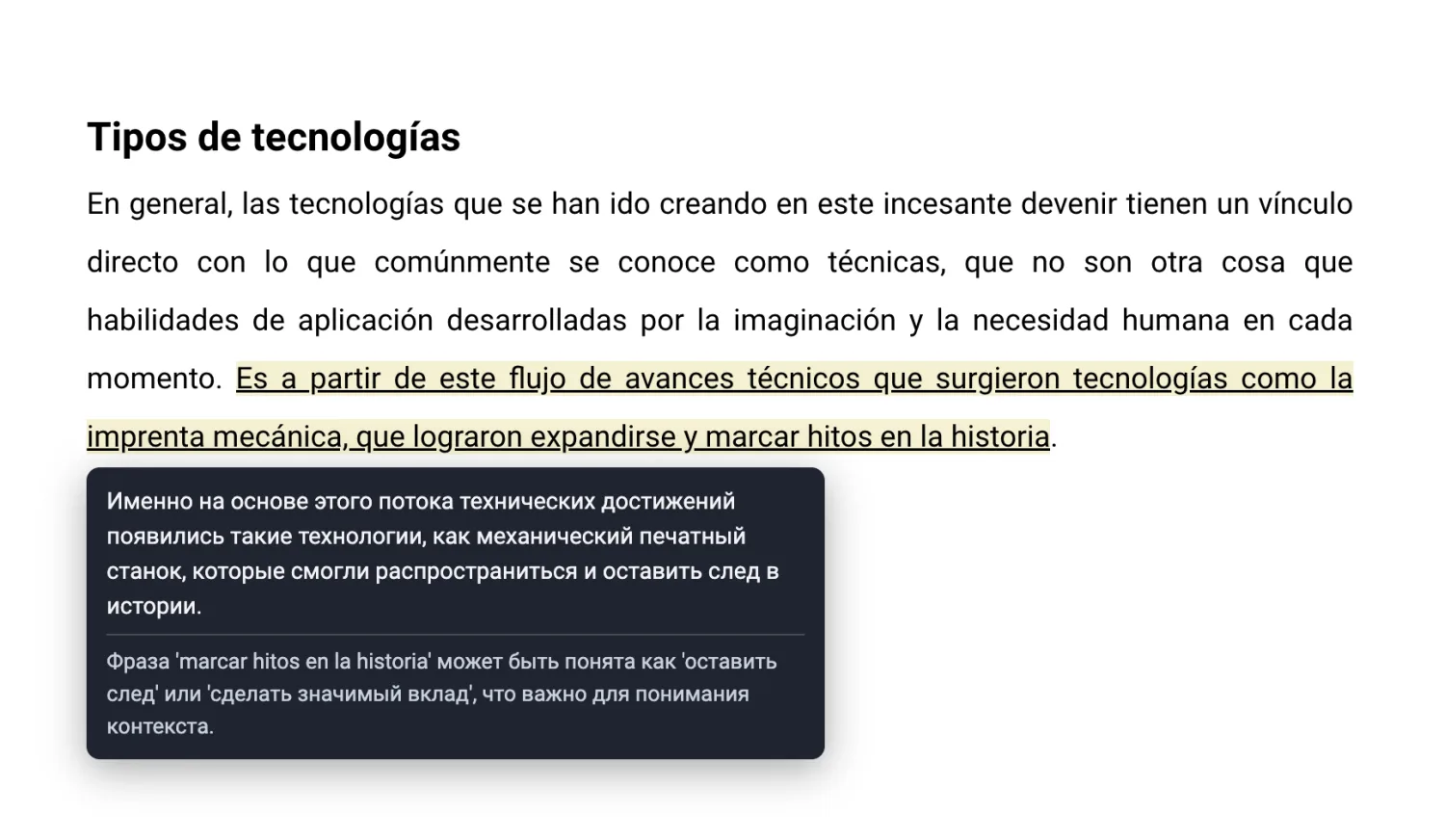
- Hover translation with a context note - chosen. Keep the original on screen, translate the sentence under the cursor, and add a short note on what is easy to misread.
Decision
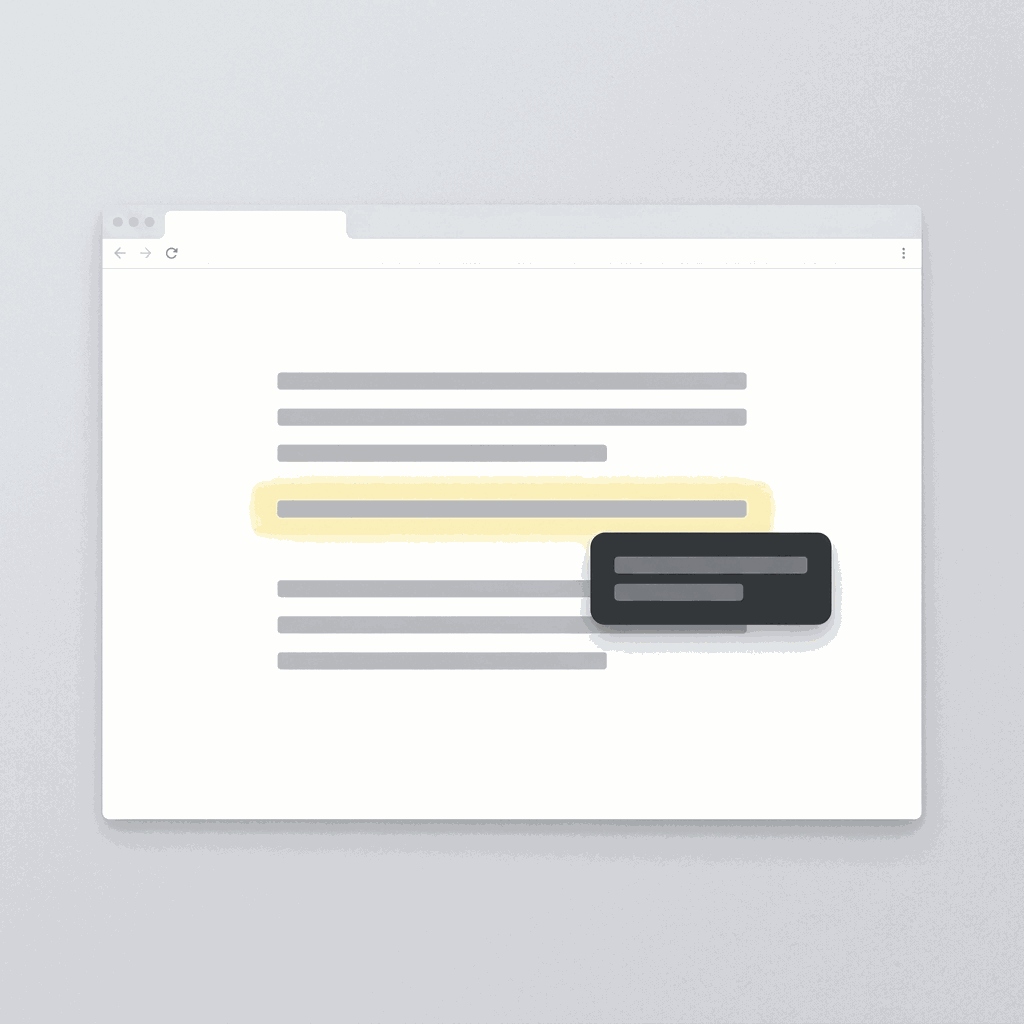
Glosst is a Chrome extension for reading in the original. The cursor lingers on a confusing spot, and a translation of that sentence appears together with a short note about what is easy to misunderstand in it. The page itself never changes: the extension adds no tags of its own to someone else's markup, using the CSS Custom Highlight API, so sites built on React, Vue and other frameworks keep working exactly as before.
Implementation
The content layer handles the page - hover, sentence splitting, highlighting, tooltip - and never sees the API key or touches the network. A background layer holds the cache, the settings and the call to the model (OpenAI, gpt-4o-mini by default, any model allowed). Translations are cached by a hash of text plus language plus model, so the same phrase is paid for once across pages, with a 30-day retention and a daily cleanup. If a page has no html lang, the extension asks the language once and remembers it per domain, because a wrong guess would break sentence splitting.
Outcome
A way to read foreign text in the original and still understand it, where the translation and a short nuance note sit beside the sentence instead of replacing it. It is built for the case it came from: learning a language by reading real pages, comfortable to read and to pick up new words at the same time.
Related
Projects

Slaive - Local voice input for macOS
Before: Mac dictation is either accurate or private, rarely both, and the text lands in the wrong window, so you move it by hand into the editor, terminal or chat you meant. After: a menu-bar app that transcribes speech with whisper.cpp on your own machine and pastes the result straight back into the app you were in.

Traffic Connect, AI Content Orchestration for WordPress Sites
Before: AI article generation had to be run across many WordPress sites, with no single place to control it. After: one admin dashboard queues tasks for every site, and each site picks up its own work through a plugin, built from scratch in about a month.

PREZA, School Presentation Sites with 80,000+ Generated PDFs
Before: school presentation sites needed tens of thousands of ready files that nobody could produce by hand. After: grabbers, parsers and automated multi-threaded generation produced more than 80,000 PDFs, stored in Selectel cold S3 and published on preza.kz and preza.top.
Open for contract collaboration
I am available for contract-based collaboration. If you have an interesting project idea, schedule a call via Calendly.
Schedule a 30-min call