Client project3 min read
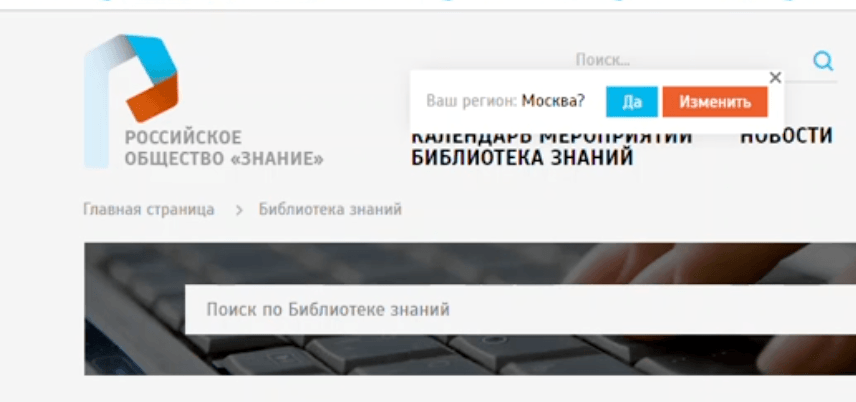
Russian Society "Znanie", SharePoint Portal
Tech stack
Services
- →SharePoint 2013 portal administration and customisation
- →Membership payment module with payment gateway integration
- →Automatic membership expiry tracking and renewal reminders
- →Document management module with versioning and full-text search
- →Personal account (cabinet) for members
- →Server-side output caching, performance optimisation
- →SharePoint Search service configuration and tuning
Deliverables
- ✓Self-service personal cabinet: membership status, expiry, payment history
- ✓Online membership payment with automatic status update on success
- ✓Structured document library with versioning and full-text search
- ✓Server-side caching, 5× page load improvement
- ✓Reconfigured and stable SharePoint Search
Client Journey
Member
- Arrives at the portal. A society member opens the website to check their membership status. Previously they had to call or email the office; now the answer is in their personal account in one click.
- Logs in to their personal account. The member authenticates through the SharePoint-integrated personal cabinet, where current membership status and expiry date are displayed prominently.
- Sees an expiry warning. When renewal is approaching, a reminder appears automatically inside the cabinet, with no manual follow-up by staff required.
- Pays online. The member clicks "Renew", fills a payment form connected to the integrated payment gateway, completes the transaction, and the membership status updates in real time, with no manual confirmation, no waiting for a bank transfer to clear.
- Works with documents. From the same cabinet the member can browse and download society documents through the structured document management module, full-text search included.
Admin / Society Staff
- No more spreadsheet maintenance. All membership records, payment statuses, and expiry dates are stored in SharePoint lists. The admin sees a live dashboard instead of manually updating rows.
- Payment confirmation is automatic. On successful payment the system updates the member's record and sends a confirmation email. The admin's role is reduced to exception handling.
- Documents are versioned and searchable. Uploading a new document version replaces the old one in the library; full-text search finds it immediately.
Before & After
| Before | After |
|---|---|
| ✗ Membership renewals tracked manually in spreadsheets, data got stale | ✓ Automated expiry tracking: status and due date always up to date in SharePoint lists |
| ✗ Payments processed via bank transfer; admin had to confirm each one by hand | ✓ Online payment with instant status update, membership activates automatically on success |
| ✗ Documents stored in ad-hoc folder structures with no version control | ✓ Structured SharePoint document library with versioning and full-text search |
| ✗ Members had to phone or email staff to check their own membership status | ✓ Self-service personal account: status, history, and documents in one place |
| ✗ Portal pages took 6, 10 s to load, server-side rendering with no caching | ✓ Server-side output caching added; page load reduced to under 2 s |
| ✗ SharePoint search returned incomplete or no results due to misconfiguration | ✓ Search service reconfigured and tuned; full-text index rebuilt and stable |
Metrics
Development Sessions
Webserver administration
Debugging console errors
Page load performance optimization
Survey form on Google Forms
The client asked for a form for one of their surveys. Instead of building it, we adapted the requirements to what Google Forms already does. That skipped a long development cycle, cut the cost for the client, and put the form live quickly - and it did its job in full.
Same task, next step: a form that also takes a file upload.
Related
Projects

Jiro Health, Practice Intelligence for Clinicians
Before: US medical practitioners had to piece together income, referrals and cash flows from systems that were slow to integrate. After: as a principal/founding engineer I own API development end to end for my pods, building enterprise-grade interfaces on Node.js with Python background data processing.
Chelyabinsk State University, SharePoint Portal Development and Administration
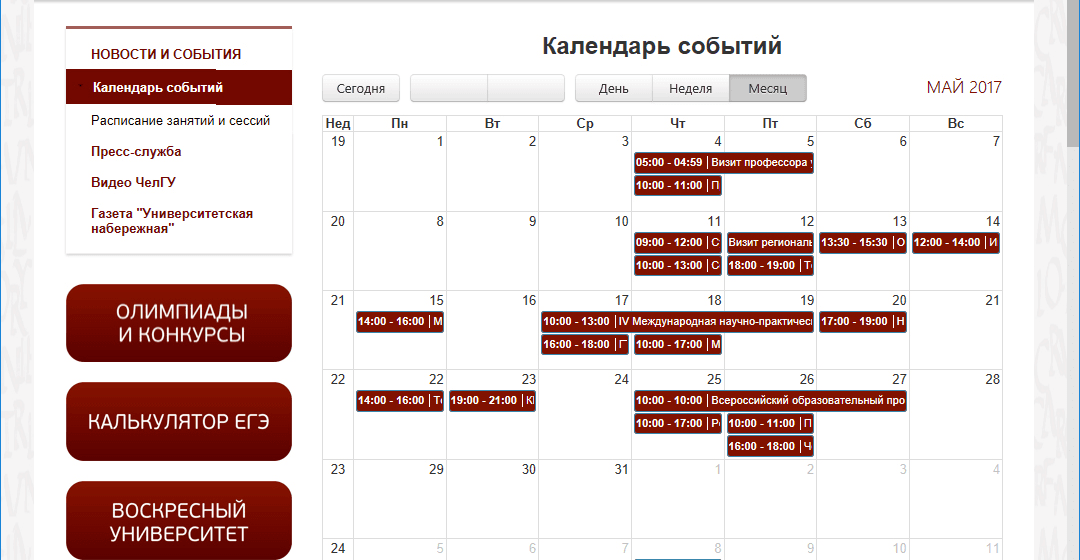
Before: the university SharePoint portal lacked what the platform does not ship with: an events calendar, admission rankings fed from FoxPro exports, a mobile layout and spam-safe email addresses. After: custom web parts added a Google-synced calendar, SSRS ranking lists that update from an upload and hidden emails, and the site got a responsive mobile version.
MyLanit, Photo Galleries and Photo Contests Web Part for Corporate Portal
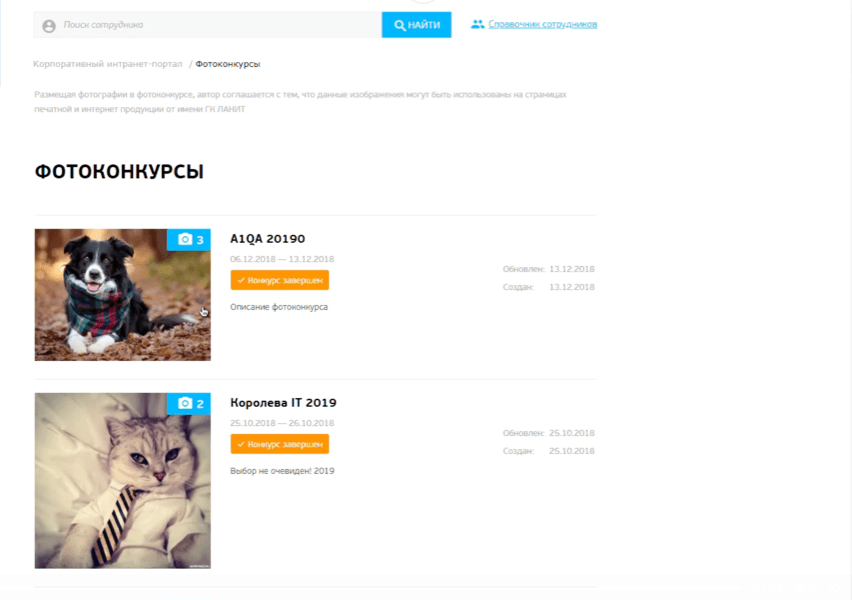
HR ran photo contests over email with spreadsheets. We replaced that with a self-service SharePoint web part, galleries, voting, likes, automated results, built from scratch alongside a parallel backend team.
Open for contract collaboration
I am available for contract-based collaboration. If you have an interesting project idea, schedule a call via Calendly.
Schedule a 30-min call