VibeCodeWay: Workspaces for Parallel Work Across Many Branches
- Published on
- • 2 mins read•--- views
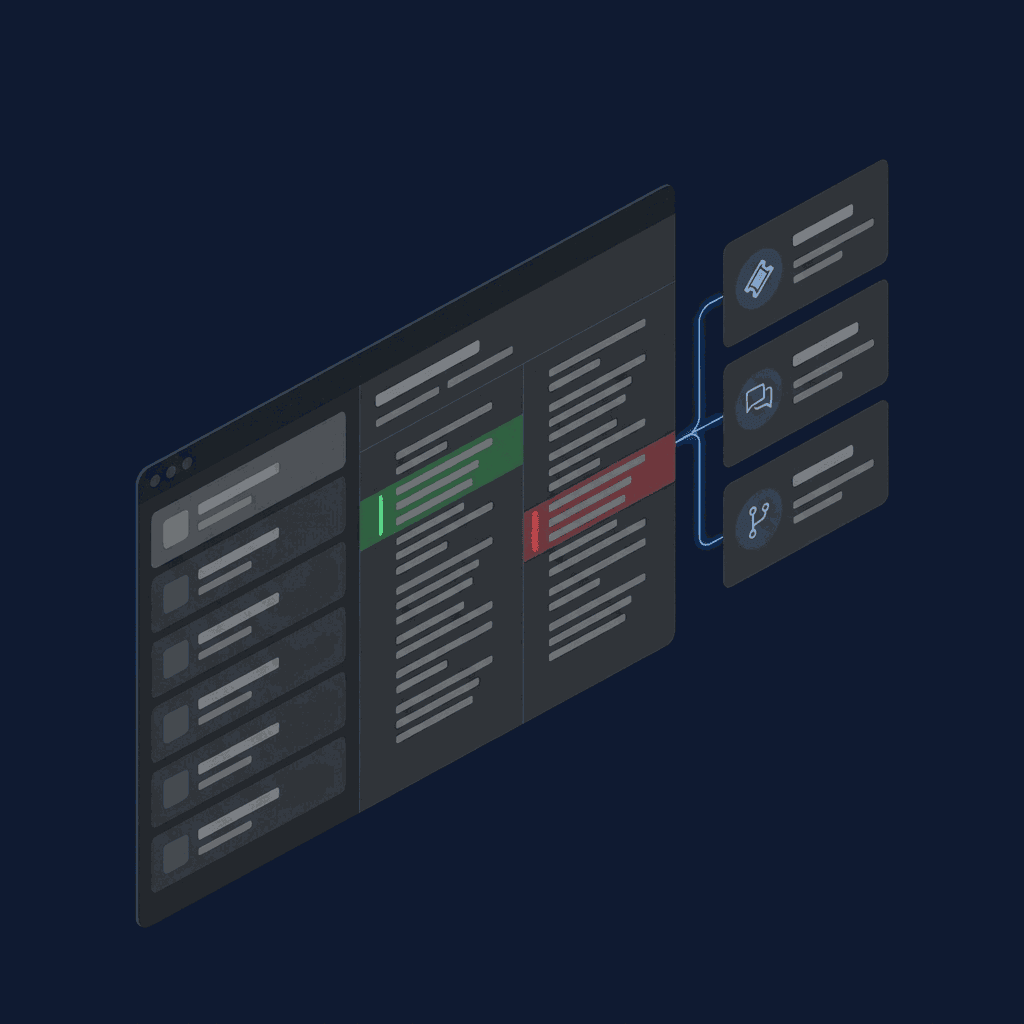
The next piece of VibeCodeWay is a workspace manager. It lets you create, edit and delete workspaces so that within a single clone of a repository you can run work on many branches in parallel, without stashing, re-checking-out, or cloning the repo again for every task.
Under the hood a workspace is a git worktree. The app lists every local branch of a connected repository and, for any of them, opens a dedicated workspace checked out to that branch in its own directory. Several tasks then live side by side: one branch building a feature, another under review, a third running a quick fix, each with its own working tree and none of them blocking the others.
Why it matters for AI-assisted work especially: an agent can be set loose on one branch in its own workspace while you keep editing another, with no risk of one session's uncommitted changes colliding with the other. Each tab shows repo / branch, so it stays clear which worktree you are looking at, and a workspace can be created from a branch and removed when the work merges, all without touching the primary checkout.
This builds directly on the context consolidator that started the project: once a task's context is one object, the next thing you need is a place to act on it that does not fight with every other task in flight.
Table of Contents
Related
Projects
VibeCodeWay - Code editor for AI
Before: a task lived across a Jira ticket, a Slack thread, a pull request and the code, and every AI coding agent started blind, re-running discovery and bloating its context each time. After: a local desktop app that bundles everything about a task into one named context, keeps it in sync, and hands it to the agent in a single command.
Posts
Solve With AI: One Button, Full Context, Minimum Manual Work
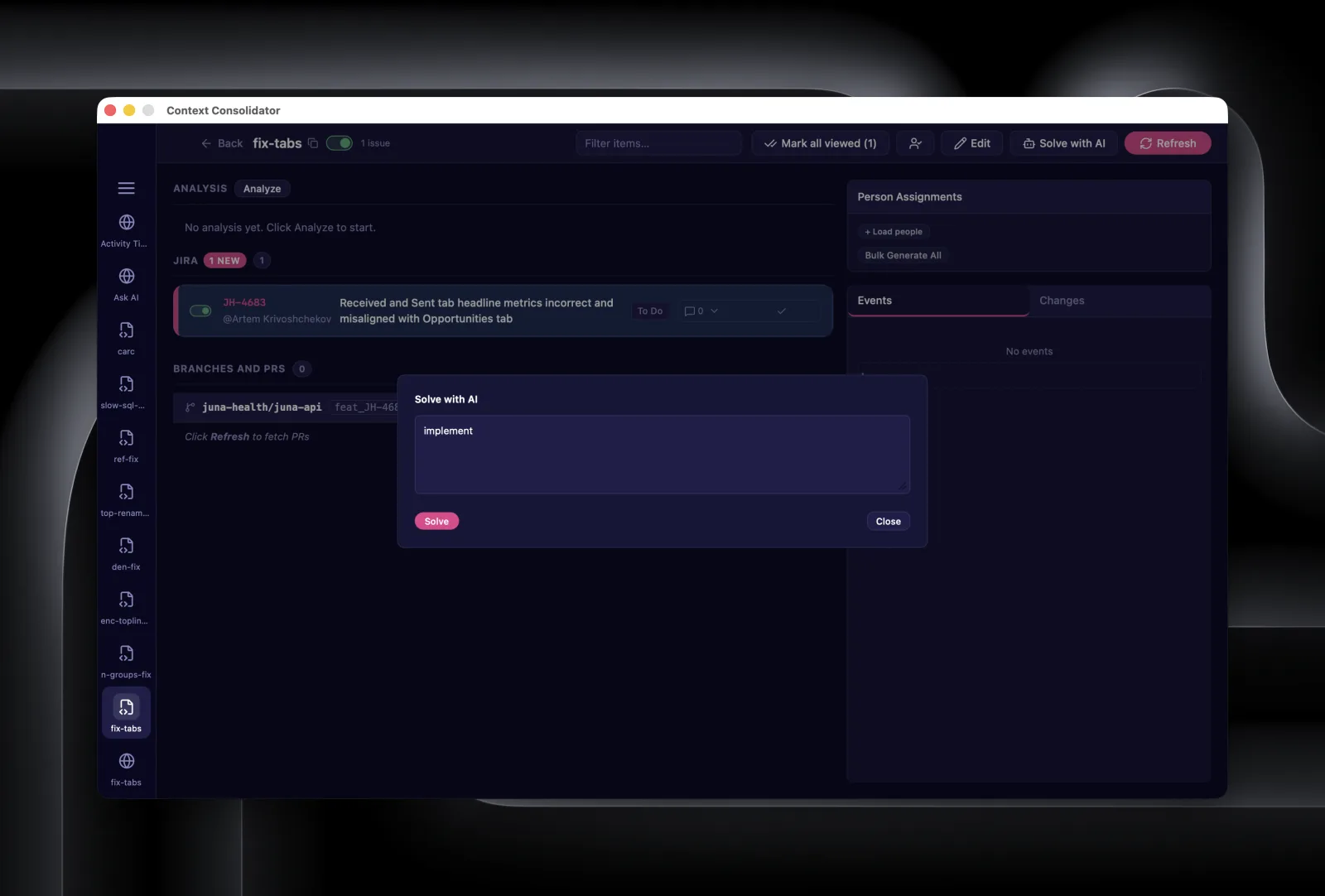
The Solve with AI action in VibeCodeWay: with the whole task context already gathered, the developer presses one button and the system does the work, then stays available to review it in conversation.
Building a Context Consolidator So AI Agents Stop Starting Blind
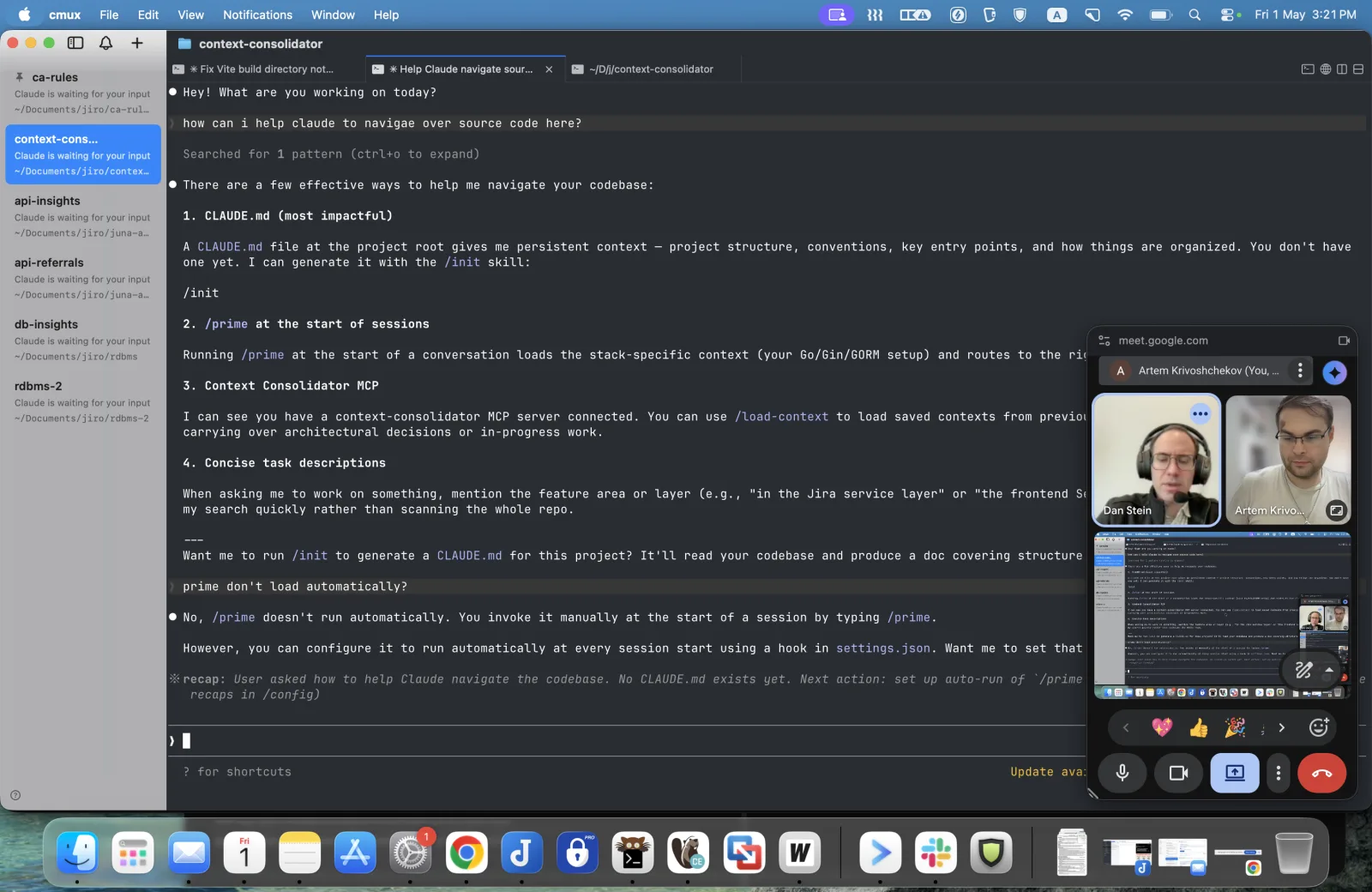
Almost on day one at a new position I started a utility that gathers all the context of a task into one place, so an AI agent can pick it up and work without re-running discovery every time.
How Many Processes Run in Parallel When You Work With AI Agents
Working with AI agents, you sometimes do not even notice how many processes run in parallel. Here is my typical workflow: agent, code editor, tests, production.
Open for contract collaboration
I am available for contract-based collaboration. If you have an interesting project idea, schedule a call via Calendly.
Schedule a 30-min call