WP Two-Factor Bridge
WordPress plugin that brings rotating two-factor codes for console accounts into a WooCommerce store. QR pairing from the browser, self-service code page in the customer area, REST endpoints for internal tooling, and an order check that flags paid orders whose code cannot be produced.
Stack
The problem
A digital game store fulfils orders on console accounts that are protected by two-factor authentication. Every order therefore needed a one-time code at the exact moment an operator was working on it, and the codes rotate every thirty seconds. Operators were reading them out of a phone app, pasting them into chat, and losing orders whenever a code expired mid-handover.
Customers were affected too. Someone who linked their own account had no way to see their current code without installing an authenticator and going through the pairing ritual again. And nothing checked, at the moment an order was paid, whether a code could actually be produced for it: the failure surfaced later, in fulfilment, after the customer had already been charged.
Before → After
| Before | After |
|---|---|
| Codes read manually from a phone app and pasted into chat | Code fetched on demand from the store, by account address |
| Linking an account meant retyping a secret by hand | QR code scanned in the browser or uploaded as an image |
| Customers could not see their own current code | Self-service page inside the WooCommerce account area |
| Account details scattered across chat threads | Account fields on the profile, checkout and order screens |
| Broken orders discovered during fulfilment | Paid orders checked automatically and annotated when a code is unavailable |
| The code endpoint open to anyone who found it | Bot check in front of the public forms |
How it works
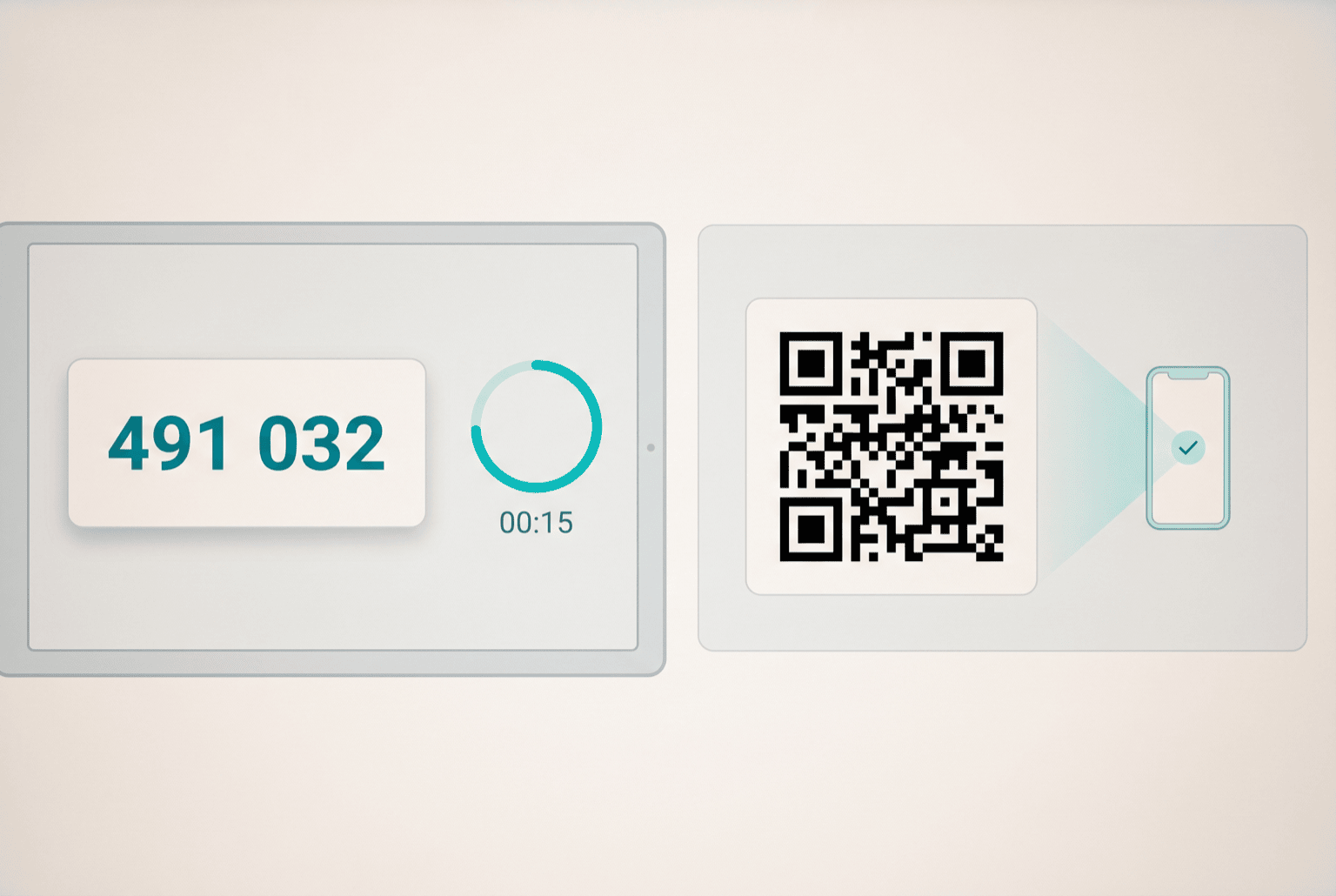
- An account is linked. The customer opens the link page and points their camera at the pairing QR code, or uploads a screenshot of it. The image is decoded in the browser and posted to the plugin, which registers the account with the code service and returns the account identity and its current code.
- Account details live on the profile.The console account address is stored as a WooCommerce billing field, shown on the admin user profile, the customer's account page, checkout and the order screen, and pre-filled on the next purchase so nobody retypes it.
- A code is requested when needed. Two endpoints serve codes: one by account address, one by internal account id, so both the customer-facing page and internal tooling read from the same source instead of keeping their own copies.
- Public forms are gated. The code request form renders behind a bot check, so the endpoint is not a free lookup service for anyone who guesses an address.
- Paid orders are verified. When an order moves to processing, the plugin checks that a code can actually be produced for the account on it, unless the buyer asked the shop to supply a fresh account. If it cannot, the failure is logged and written onto the order as a note, so the problem is visible before an operator picks the order up.
- Everything routes through one service. Endpoint and token are configured once in the admin; the plugin holds no code-generation logic of its own, so rotating the backing service is a settings change.
Key features
- Two shortcodes: link an account, and fetch the current code
- QR pairing by camera scan or image upload, decoded client-side
- REST endpoints for code by address, code by account id, and QR sign-in
- Console account fields wired into profile, account area, checkout and order screens
- Dedicated WooCommerce account endpoints, so the pages live under My Account
- Order observer that flags paid orders with no reachable code
- Bot check in front of the public forms
- Single admin screen for service endpoint and token
Installation
- Upload the plugin folder to
/wp-content/plugins/and activate it - Open Two Fa in the admin sidebar and set the code service endpoint and token
- Add the bot-check site key and secret in the same screen
- Flush permalinks once so the
link-2faandget-2faaccount endpoints resolve - Optionally place
[2fa_link]and[2fa_get_code]on standalone pages
Open for contract collaboration
I am available for contract-based collaboration. If you have an interesting project idea, schedule a call via Calendly.
Schedule a 30-min call