WP Social Auth
WordPress plugin adding VK, Yandex, Steam and Discord sign-in to WordPress and WooCommerce forms. One provider contract, OpenID 2.0 verification for Steam, a lock table that survives duplicate callbacks, and a details form for providers that return no email.
Stack
The problem
A gaming store asked buyers to register before checkout. The audience already had accounts on VK, Yandex, Steam and Discord and no appetite for inventing one more password: a share of every checkout session ended at the registration form. Off-the-shelf social login plugins covered VK and Yandex but not Steam, which does not speak OAuth at all.
A second, quieter problem showed up in production: the OAuth callback sometimes fired twice for one sign-in: a double-tap, a retry, a prefetching browser, and each run created its own account. Support was left merging duplicate customers by hand.
Before → After
| Before | After |
|---|---|
| Registration form with a password as the only way in | Four one-click providers alongside the normal form |
| Steam impossible: it uses OpenID 2.0, not OAuth | Steam verified by OpenID signature check against Valve's server |
| Duplicate accounts when a callback arrived twice | Codes claimed in a lock table: the second request follows the first |
| Adding a provider meant forking the whole login flow | A provider is a client, a service, a user mapper and a settings tab |
| Steam users had no email: checkout could not proceed | Missing contact details collected on a dedicated form after sign-in |
| Login by username or email, inconsistently | Email-only policy, with a domain rule enforced at every entry point |
| Cached pages showed a signed-out header after login | Private page cache purged as part of the login handler |
How it works
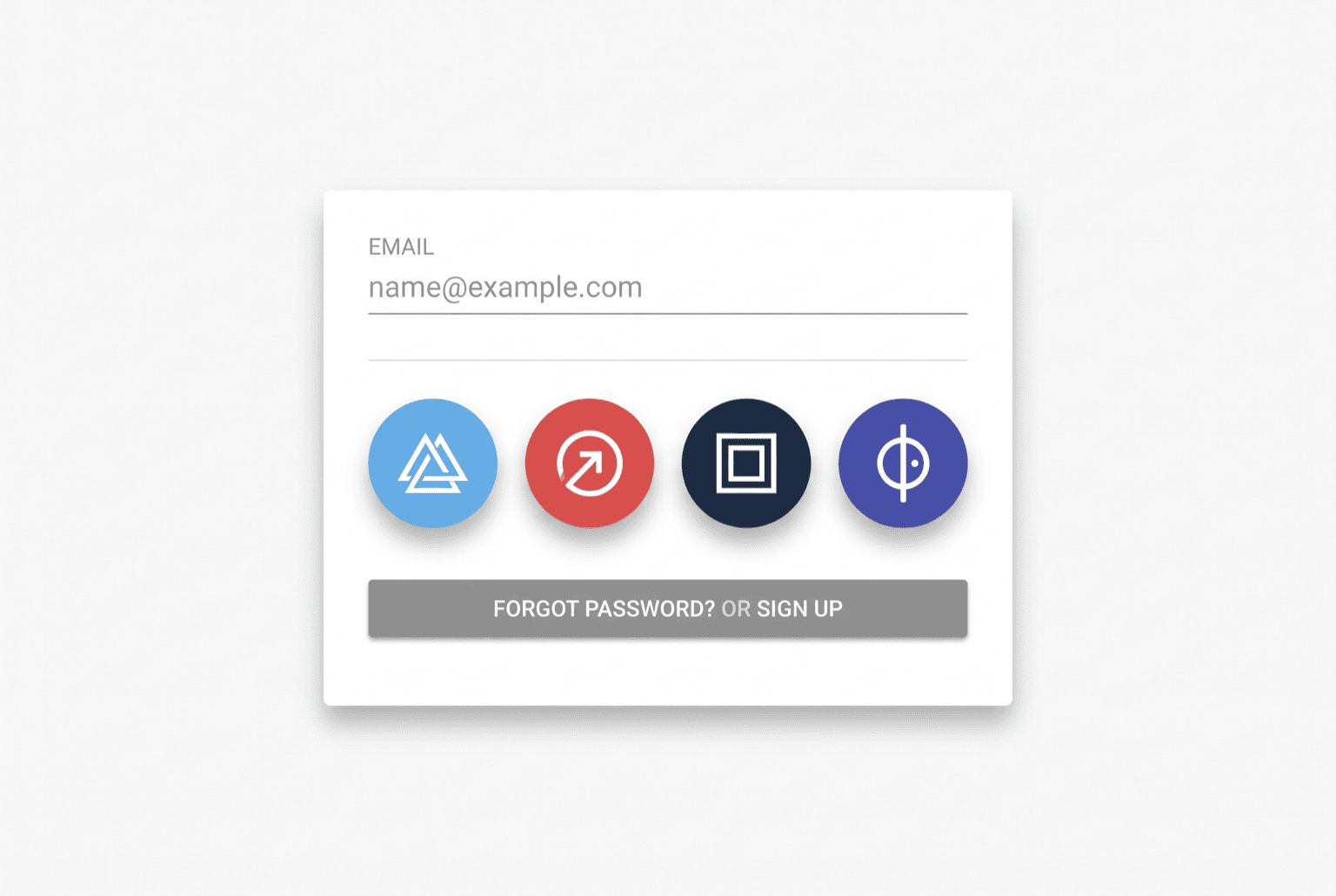
- The buyer picks a provider. Buttons are injected into the WordPress login and register forms and into both WooCommerce forms, so the same four options appear wherever sign-in happens.
- The provider returns. OAuth providers come back with a code that is exchanged for an access token and a profile. Steam instead returns a signed OpenID assertion, which is replayed to Valve for a
check_authenticationverdict before anything is trusted. - The code is claimed. Before any account work, the callback writes the code into a lock table with a hit counter. A duplicate callback finds the row taken, waits for the first request to finish, and reuses its result: one sign-in, one account, whatever the browser does.
- The account is matched or created. An existing customer is found by email, or by login name when the provider supplies no email. Only a genuine miss creates a new WordPress user.
- Missing details are collected. Steam hands over no email address, so those users are routed to a details form for email and phone before they can reach checkout. Everyone else goes straight to the configured landing page.
- The session is opened cleanly. Auth cookies are set, the standard login action fires so other plugins see the event, and the private page cache is purged so the visitor immediately sees a signed-in page.
Key features
- VK, Yandex, Steam and Discord behind one provider interface
- OpenID 2.0 signature verification for Steam, OAuth code exchange for the rest
- Concurrency-safe callbacks: a lock table prevents duplicate accounts
- Post-registration details form for providers that return no email
- Email-only login policy with configurable domain restriction
- Per-provider settings screens with independent enable switches
- Private page-cache purge on login (LiteSpeed-aware)
- Recorded provider responses in the test suite: the whole flow tests offline
Installation
- Upload the plugin folder to
/wp-content/plugins/and activate it - Run the bundled migration to create the auth-code lock table
- Open Awesome Auth in the admin sidebar and fill in the client id and secret for each provider you want enabled
- Set the success redirect URL and the details-form page in the common settings tab
- Register the redirect URI shown on each provider tab in that network's developer console
Open for contract collaboration
I am available for contract-based collaboration. If you have an interesting project idea, schedule a call via Calendly.
Schedule a 30-min call