WP SE Analytics
WordPress plugin that moves analytics counters out of theme files and into settings. Yandex Metrica and Google counters load when the browser goes idle, behavioural features are toggles rather than buried flags, and a free-form head block covers verification tags without a deploy.
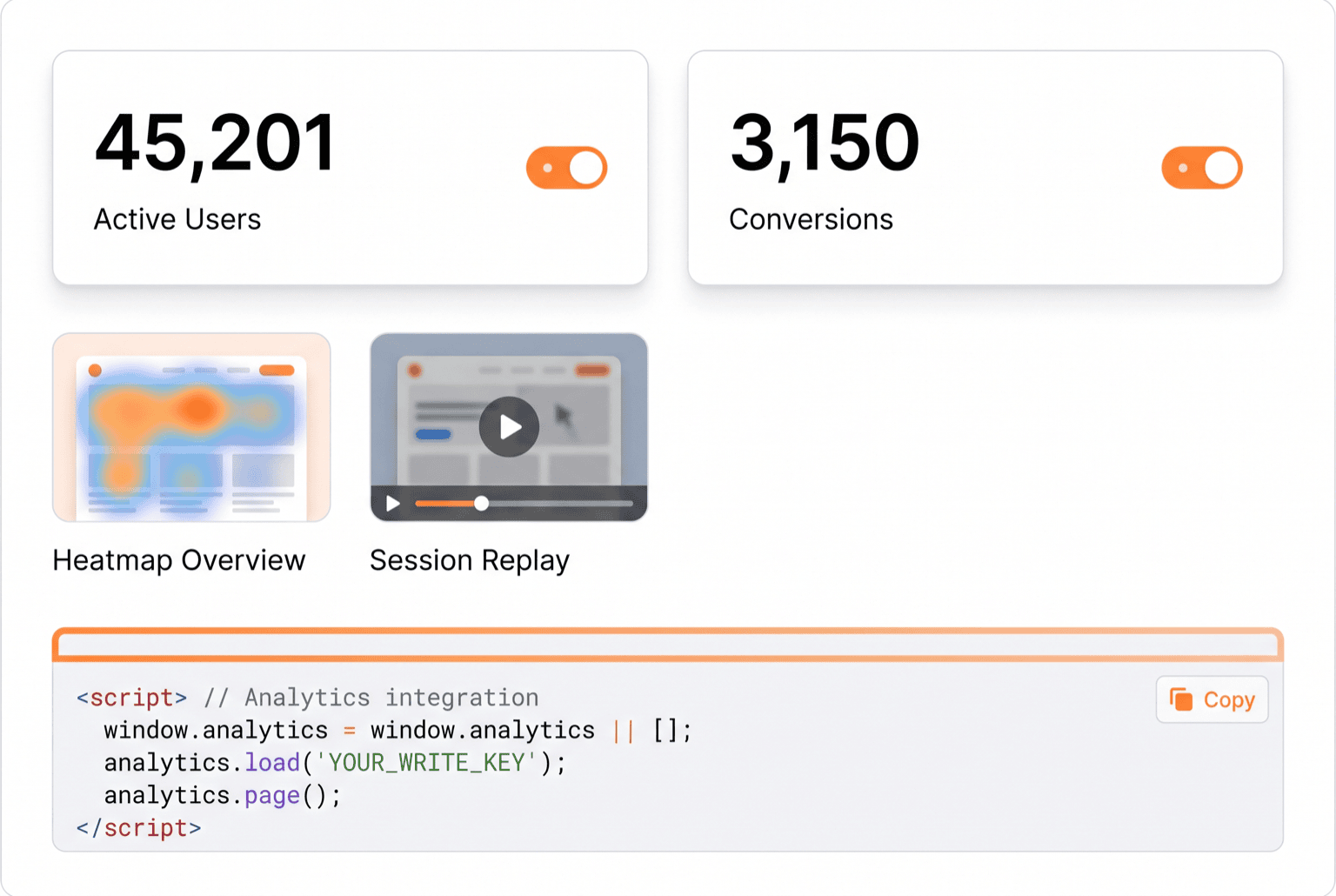
Stack
The problem
Analytics counters get installed the fastest way available: pasted into a theme template. That works until the theme updates and the counter vanishes, or until a second counter is added and nobody remembers where the first one lives, or until a site handover leaves the new owner with tracking they can neither find nor change.
Counters also cost what they are worth. Loaded in the normal way, an analytics script competes with the page for the browser's attention during the exact seconds a visitor is deciding whether the site is fast, and the metric it damages, page-load responsiveness, is itself a ranking signal.
Before → After
| Before | After |
|---|---|
| Counter code pasted into theme files | Counter ids entered in an admin screen |
| Theme update silently removes tracking | Tracking survives theme changes: it lives in the plugin |
| Analytics script competes with page rendering | Loaded when the browser goes idle, with a timeout fallback |
| Counter options hard-coded in the snippet | Click map, link tracking, bounce accuracy and session replay are toggles |
| Duplicate counters when a snippet gets pasted twice | Guarded against double insertion |
| Verification codes and one-off tags need a developer | Free-form head block editable from the admin |
How it works
- Ids go in settings, not templates. Each counter is enabled by entering its id; leaving the field empty emits nothing at all, so a staging copy stays silent without a code change.
- Loading waits for idle.The counter is scheduled through the browser's idle callback with a timeout fallback for browsers that lack it, so tracking loads after the page has done its own work instead of alongside it.
- Double insertion is guarded. Before injecting, the script checks whether the counter is already on the page: the usual cause of inflated numbers after a snippet gets pasted in two places.
- Behavioural features are toggles. Click map, external link tracking, accurate bounce rate and session replay are checkboxes rather than flags buried in a snippet, which also makes it obvious what is being collected.
- A head block covers the rest. Site verification codes, ad platform tags and one-off scripts go into a free-form field rendered in the document head, so routine marketing requests stop being deploys.
Key features
- Yandex Metrica and Google counters, each independently switchable
- Idle-time loading with a timeout fallback
- Duplicate-insertion guard
- Toggles for click map, link tracking, bounce accuracy and session replay
- Free-form head code block for verification tags and one-off scripts
- Escaped output: ids and options are never interpolated raw
- Noscript pixel fallback preserved
Installation
- Upload the plugin folder to
/wp-content/plugins/and activate it - Open SE Analytics in the admin sidebar
- Paste the counter id for each platform you use: leave the others empty
- Enable only the behavioural features you actually need
- Confirm the counter fires once, not twice, on a front-end page
Open for contract collaboration
I am available for contract-based collaboration. If you have an interesting project idea, schedule a call via Calendly.
Schedule a 30-min call