WP Mail Manager
WordPress plugin for email campaigns that keeps the customer list on your own server. Category-based segments, a derived pending queue that resumes after a crash and never sends twice, cron dispatch paced to your SMTP limits, and a mail interceptor so a database copy cannot email real customers.
Stack
The problem
A growing WordPress store had thousands of registered users but no way to reach them outside WooCommerce order emails. Every promotional campaign needed a developer, a third-party SaaS account, and a manual export of the user list, which also meant handing a customer database to an outside service.
Sending it yourself has two failure modes that only appear at scale. Blast the whole list in one go and shared-hosting SMTP throttles or drops the run, the domain picks up a reputation hit, and nobody knows how far it got. Retry after a crash and the people who already received the message get it again, because "who has been sent this" was never recorded anywhere.
Before → After
| Before | After |
|---|---|
| Manual CSV export and a third-party tool for every campaign | Campaign created and sent from the WordPress admin |
| Customer list handed to an outside service | Recipients never leave the client's own database |
| Whole list sent at once: SMTP throttling, bounces, reputation damage | Cron dispatches a fixed batch per tick with a pause between messages |
| A crashed run had to restart from the beginning, re-sending to everyone | The pending queue is derived by join: nobody is picked twice |
| A restored database copy could email real customers | Sending starts disabled; an interceptor logs instead of delivering |
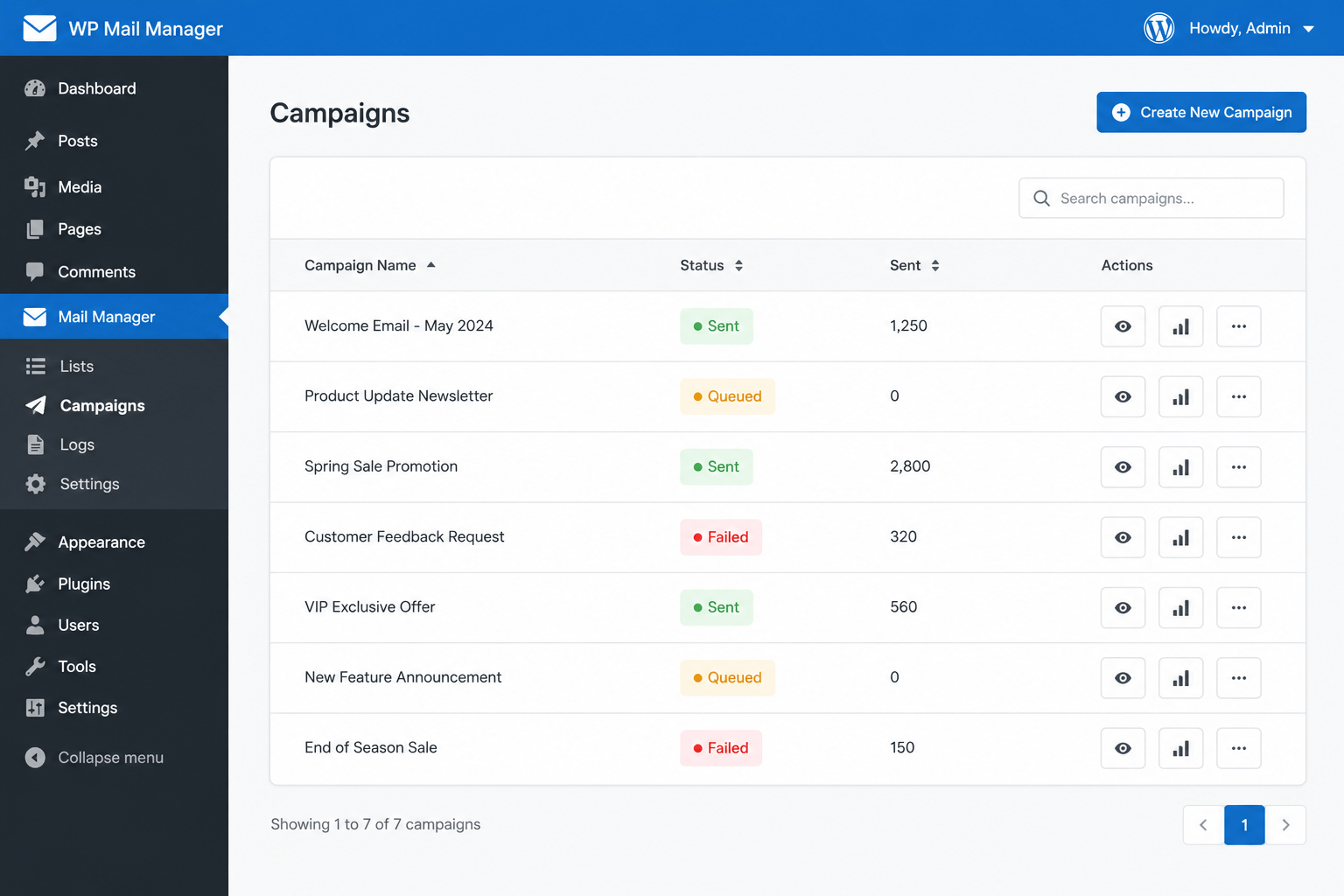
| No idea what was delivered | Pending / sent / failed counts per campaign in the admin |
How it works
- Audiences are categories. Subscribers belong to categories, campaigns attach to categories, and both relationships are many-to-many, so one campaign can target several segments and a subscriber can sit in several without duplication.
- The queue is derived, not stored. Pending recipients are computed by joining subscribers against delivery records and keeping the rows where no delivery exists. "Who still needs this" is therefore a consequence of the data rather than a flag somebody has to maintain, which is what makes an interrupted run resume exactly where it stopped, and makes sending the same campaign twice to the same person impossible.
- Cron paces the send. A custom interval controls how often a batch goes out, a batch size controls how many, and a pause between messages keeps the run inside the host's SMTP rate limit instead of firing a burst that gets the domain flagged.
- Every send is recorded. Each delivery writes its outcome, so the admin table can report pending, sent and failed per campaign without a separate log.
- Test sends and a kill switch. A campaign can be sent to a single address first. Sending is disabled on activation, and a mail interceptor can log messages instead of delivering them, so a copy of the production database cannot email real customers.
Key features
- Category-based audience segmentation, many-to-many with campaigns
- Derived pending queue: resumable, and no recipient is served twice
- Cron dispatch with configurable interval, batch size and inter-message pause
- Per-campaign pending / sent / failed statistics
- Test send to a single address before launching
- Sending disabled by default; mail interceptor for non-production copies
- HTML and plain-text campaigns with per-campaign headers and sender
- Bulk assignment of existing users to a new category on creation
Installation
- Upload the plugin folder to
/wp-content/plugins/and activate it - Let activation create the campaign, category and delivery tables
- Open Mail Manager, create a category, and attach a campaign to it
- Set the cron interval, batch size and pause to match your SMTP limits
- Send a test message, then enable sending: it is off until you turn it on
Open for contract collaboration
I am available for contract-based collaboration. If you have an interesting project idea, schedule a call via Calendly.
Schedule a 30-min call