WP FreeScout Chat
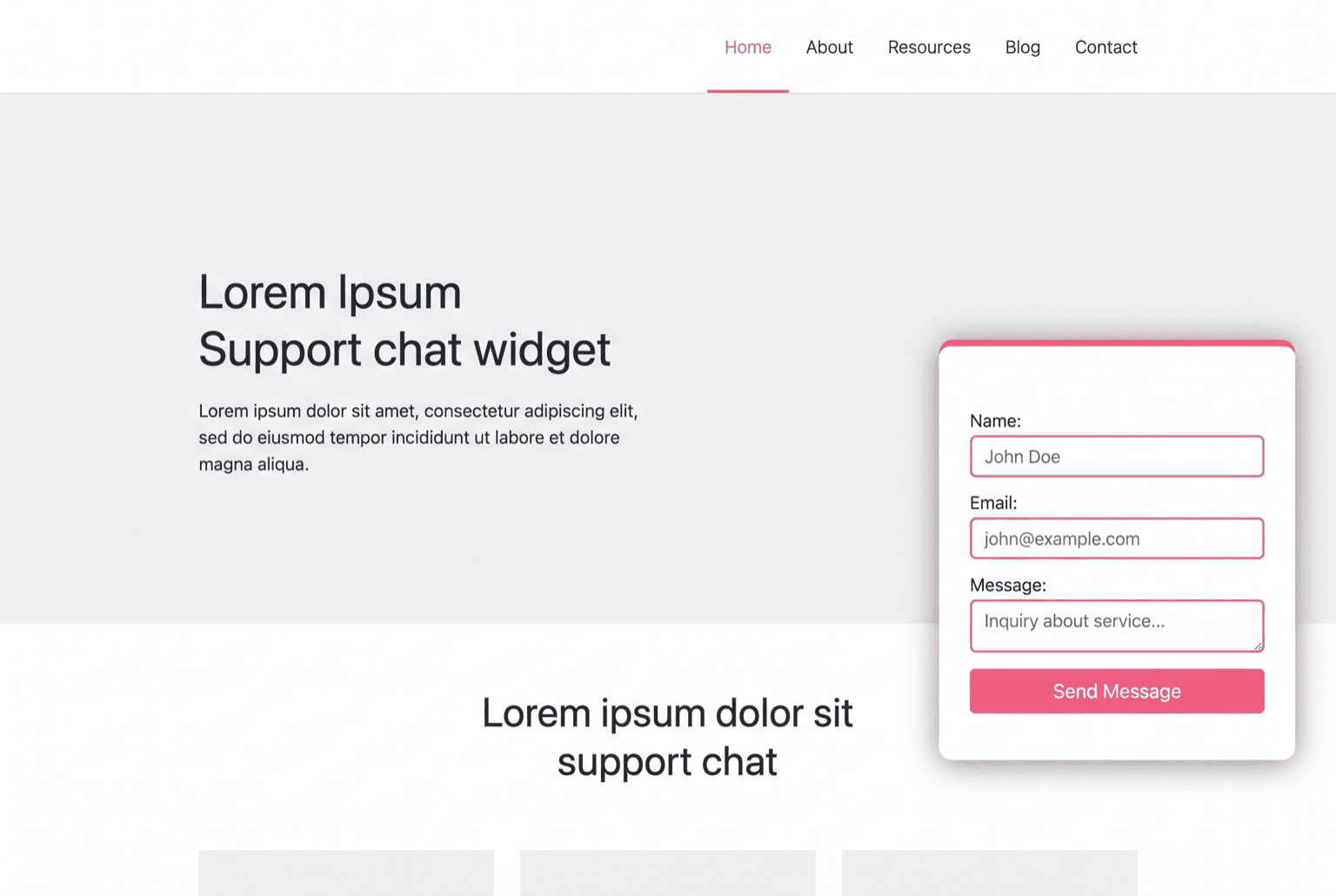
WordPress plugin that puts a self-hosted FreeScout chat widget on the shop and hands it the name, email and phone of the signed-in customer. Configured from an admin screen instead of the theme, with per-user caching so a site-wide widget costs no extra query.
Stack
The problem
A store running a self-hosted FreeScout help desk had no way to reach it from the shop itself. Customers looking for support left the site, found the help desk separately, and opened a ticket as a stranger: retyping the name, email and phone the shop already had on file. Agents then spent the first two replies establishing who they were talking to and which order it was about.
Dropping the vendor's widget snippet into the theme solves half of it and creates a new problem: the snippet is hard-coded, so identity, colour, position and language become theme edits, and the widget queries user data on every page render.
Before → After
| Before | After |
|---|---|
| Support lived on a separate site the customer had to find | Chat widget available on every page of the shop |
| Signed-in customers introduced themselves from scratch | Name, email and phone passed to the widget automatically |
| Widget snippet pasted into the theme | Settings screen: chat id, colour, position, locale, required fields |
| Changing a setting meant editing template files | Changing a setting means saving a form |
| User lookup repeated on every page render | Profile data resolved once and cached per user |
| All-or-nothing placement | Site-wide footer injection or a shortcode where you want it |
How it works
- The widget is configured, not coded. Chat id, accent colour, corner, locale and which contact fields the form requires are admin settings. Nothing about the widget lives in the theme.
- Identity travels with it. For a signed-in visitor the plugin resolves display name, email and billing phone and hands them to the widget as visitor data, so the conversation starts with the customer already identified.
- Profile lookups are cached. The user record and its meta are read once and stored in the object cache under a per-user key, so a widget present on every page does not add a database round trip to every page.
- Anonymous visitors still get support. With no session, the widget simply renders without visitor data rather than failing: the contact form asks for whatever the settings mark as required.
- Placement is a choice. Footer injection puts the widget on the whole site; a shortcode places the chat or the support form on a specific page, both fed by the same identity wrapper.
Key features
- FreeScout chat widget wired into WordPress without touching the theme
- Automatic visitor identity (name, email, billing phone) for signed-in customers
- Per-user object cache for profile lookups
- Admin settings for chat id, colour, corner, locale and required fields
- Site-wide footer injection plus shortcodes for chat and support form
- Graceful anonymous mode when nobody is signed in
- Extra profile fields exposed to WooCommerce where the desk needs them
Installation
- Upload the plugin folder to
/wp-content/plugins/and activate it - Open Freescout Chat in the admin sidebar and paste the widget URL and chat id from your FreeScout instance
- Set the accent colour, corner, locale and the fields the form should require
- Leave footer injection on for a site-wide widget, or turn it off and use the shortcode instead
- Open the shop while signed in and confirm the widget starts with your details filled in
Open for contract collaboration
I am available for contract-based collaboration. If you have an interesting project idea, schedule a call via Calendly.
Schedule a 30-min call