Kie AI MCP, Image Generation for AI Agents
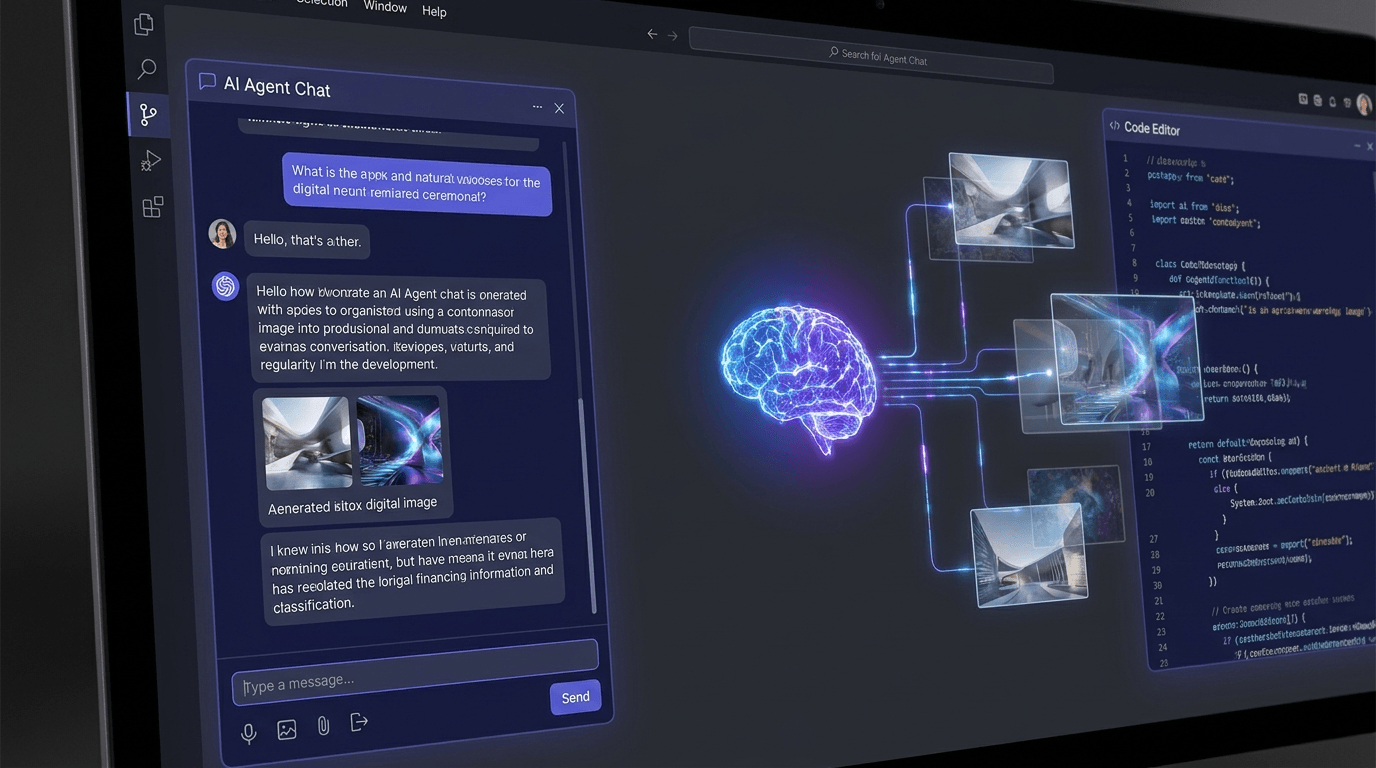
Before: generating images during an AI session meant leaving the conversation, opening a browser, copy-pasting results back. After: Claude and other MCP-compatible agents generate, poll, and save images inline, single prompt to finished file, no context switch.
Stack
Challenge
AI agents that work with visual content had no native path to generate images. Every request required the user to open a separate tool, run a generation manually, download the result, and feed it back into the conversation. For workflows that produce dozens of images, product shots, social content, batch illustrations, this round-trip was the bottleneck.
Options Considered
- Prompt Claude to write a Python script, one-off, fragile, requires the user to run code outside the agent. No good for recurring workflows or non-technical users.
- Custom REST backend with an image generation endpoint, works, but requires running and maintaining a server. Adds infrastructure overhead for what should be a single binary.
- MCP server wrapping the Kie AI API directly: chosen. Single Go binary, zero server to maintain, integrates natively with Claude Desktop and Claude Code via the MCP protocol.
Decision
A lightweight Go MCP server that exposes five tools to the agent: create a task, poll task status, generate and wait for a result, and run multiple generations in parallel. The agent submits a prompt and style, the server handles the API call, polls until the image is ready, downloads it, and writes it to disk, returning the file path back to the agent.
Implementation
The server is built on mcp-go and communicates with the Kie AI REST API. Each tool maps cleanly to a stage in the generation lifecycle: create_visual_task submits the job and returns a task ID, get_visual_task checks status, and generate_visual wraps both into a single blocking call. generate_visual_batch runs multiple generations concurrently with configurable worker count, useful for batch content pipelines.
Configuration is passed entirely through environment variables, with no config files, no .env required in production. The API key is injected via the MCP host's env block, keeping it out of the repository and out of tool call logs. Output directory, model, polling interval, and HTTP retry behaviour are all tunable without recompiling.
Outcome
Image generation is now a first-class operation inside an agent session. A single tool call produces a finished file. The agent can reference it, describe it, or pass the path to the next step in a workflow. Batch mode handles multi-image jobs in parallel, cutting wall time proportionally to the worker count.
Open for contract collaboration
I am available for contract-based collaboration. If you have an interesting project idea, schedule a call via Calendly.
Schedule a 30-min call