Configuring Vim for VSCode: Keybindings, Productivity Tips, and Tricks
- Published on
- • 1 mins read•--- views
In addition to post about configuring VIM in my favorite IDEs, such as PHPStorm and VisualStudio, I want to describe about installing it for VSCode. It's kinda trivial, but I want to add some additions and remarks. Ok, let's begin.
Installation:
Go to plugins and find a plugin named Vim
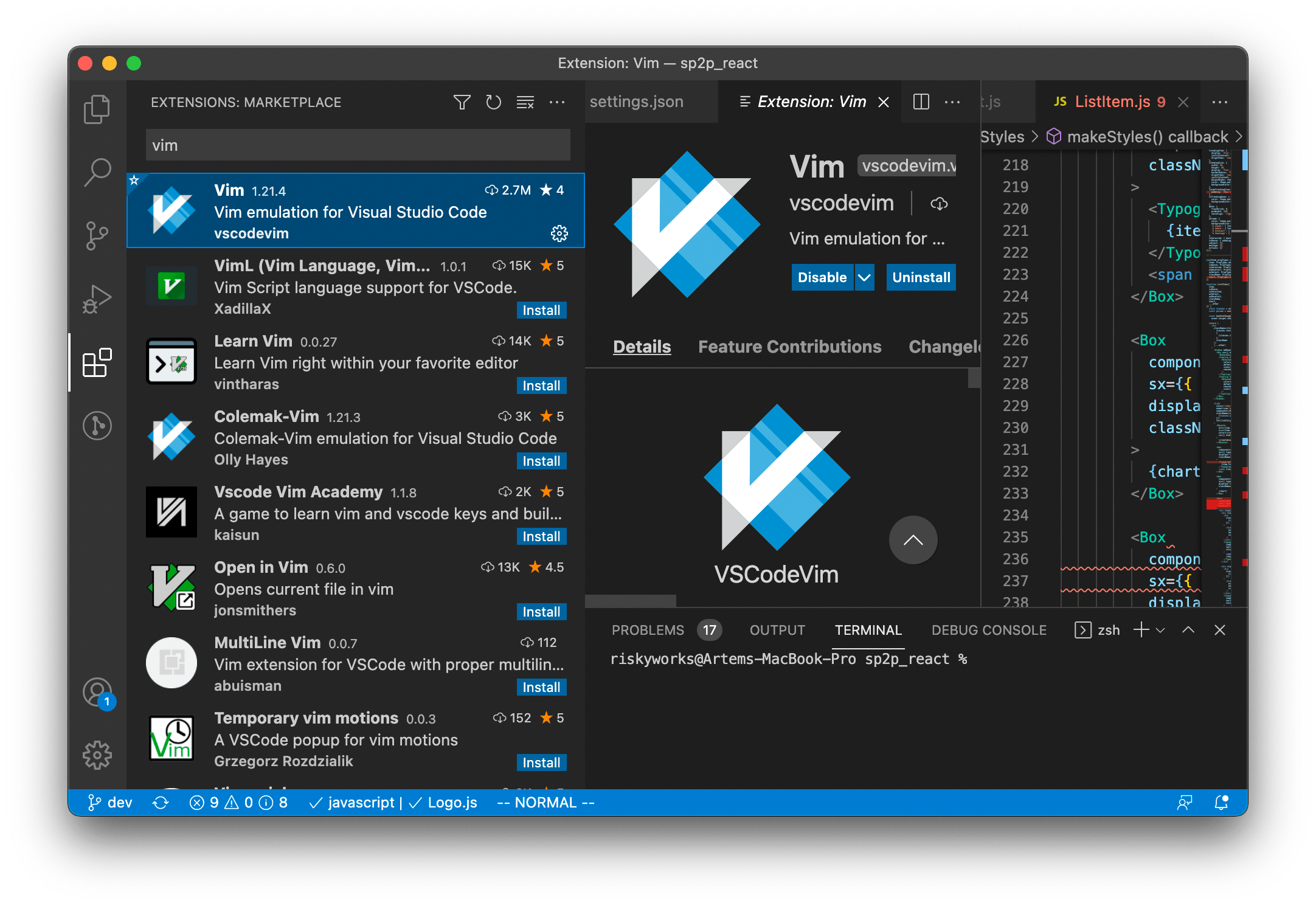
Also, I really advice you to read official plugin manual. It's full of useful information and configuration tips. **For me, the most useful parts were:**Adding alias Esc -> JJ
<pre class="lang:js" decode:true="">vim.insertModeKeyBindings: [
    {
        before: [
            j,
            j
        ],
        after: [
            <Esc>
        ]
    }
],
Adding tabs by pressing Shift + > together:
<pre class="lang:js" decode:true="">vim.insertModeKeyBindings: [
    {
        before: [
            >
        ],
        commands: [
            editor.action.indentLines
        ]
    },
    {
        before: [
            <
        ],
        commands: [
            editor.action.outdentLines
        ]
    },
],
And, also, one regular config: vim.useSystemClipboard: true, which allows you to share VIM and system OS clipboard
Table of Contents
Related
Posts
Configuring Vim for PHPStorm and JetBrains IDEs: Keybindings, Tips, and Tricks
A practical guide to enabling Vim keybindings and advanced features in PHPStorm and other JetBrains IDEs, with configuration examples and productivity tips.
Vim for Visual Studio 2015 and Above: Setup, Keybindings, and Tips
A practical guide to enabling Vim mode in Visual Studio 2015 and above using VsVim, with configuration tips, keybindings, and productivity recommendations.
PowerShell Module Organization for SharePoint Development
A practical guide to organizing PowerShell scripts and modules for SharePoint development, including dot-sourcing, module manifests, and reusable code structure.
Open for contract collaboration
I am available for contract-based collaboration. If you have an interesting project idea, schedule a call via Calendly.
Schedule a 30-min call